Lesson Plans Scope & Sequence
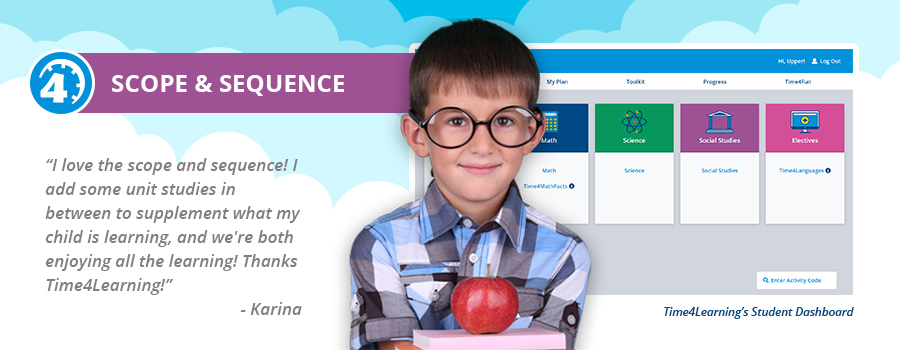
If you’re looking to stay organized and on top of your child’s lessons, a scope and sequence can help. Whether you’re new to homeschooling or a veteran, a scope and sequence is a valuable tool that can keep you informed of all the concepts and topics your child will be learning. A scope and sequence can also help you plan your year and schedule enriching activities like field trips and hands-on projects.
This page provides information on what a scope and sequence is, as well as helpful links to all the Time4Learning scope and sequences for grades PreK-12th.
What is a Scope and Sequence?
Scope and sequence in a commonly used term in education when talking about a curriculum, books, or courses. A scope and sequence is a list of the concepts, topics, and material that is covered in a book, course, or the lesson plans of a particular curriculum. A scope refers to the topics and areas of development within a curriculum, and the sequence is the order in which those skills are taught.
Scope and Sequence by Grade and Subject
Time4Learning provides members with the scope and sequence of every grade, subject, and course our curriculum teaches. You’ll have access to information on every lesson including a description as well as the number of chapters and activities, all presented in chronological order. To learn more about a particular grade and subject or course, use the links in the table below.
Elementary School
| Kindergarten | First Grade |
| Second Grade | Third Grade |
| Fourth Grade | Fifth Grade |
Middle School
| Sixth Grade | Seventh Grade | Eighth Grade |
High School
| Ninth Grade | Tenth Grade |
| Eleventh Grade | Twelfth Grade |
High School Electives Scope and Sequence